




Access Outstanding Charts
Fuel your trading experience with access to more than 20+ interactive chart types, 400+ indicators, and 110+ drawing tools

 with PhonePe Invest
Leverage sophisticated charting and analytical tools and elevate your trading experience, using your existing PhonePe Invest account
LET'S GET STARTED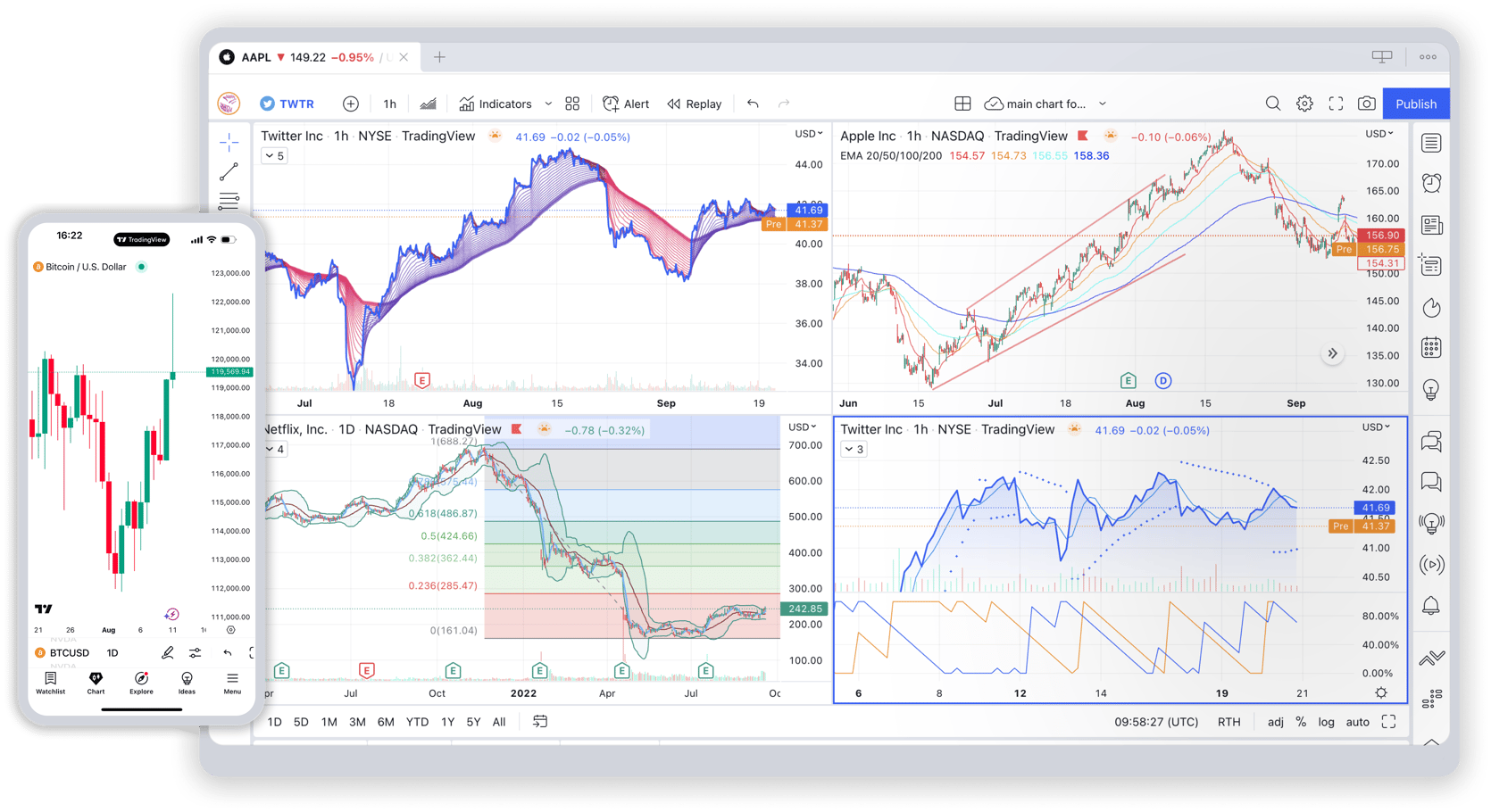

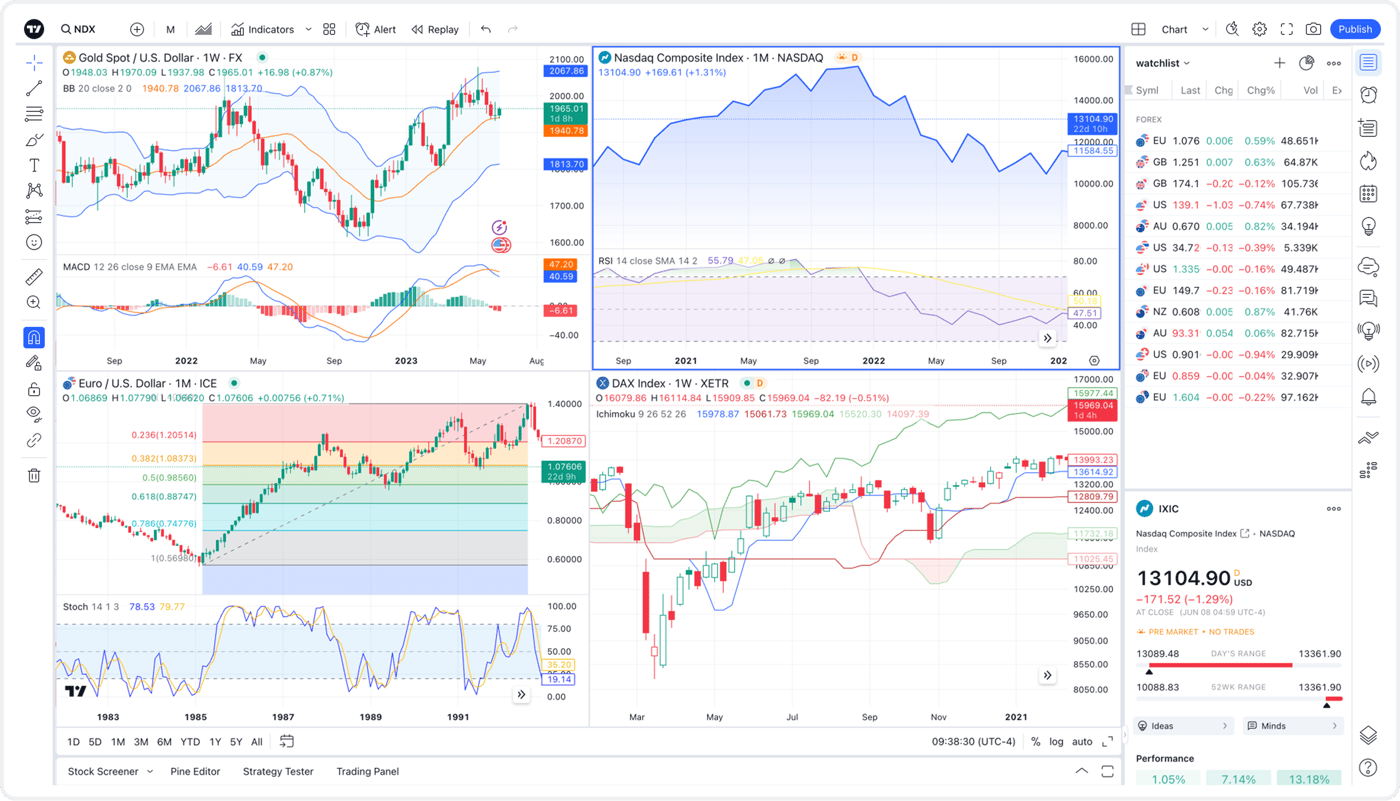
Execute trades using state-of-the-art drawing tools and an extensive selection of indicators.
Fuel your trading experience with access to more than 20+ interactive chart types, 400+ indicators, and 110+ drawing tools

Engage with TradingView’s vibrant community of traders and investors. Learn, share and stay informed together.

Use historical data to evaluate strategies and make intelligent, well-informed trading decisions.

Stay informed with financial calendars and market news right where you trade.

Build and share unique trading indicators and strategies with minimal coding effort.

Identify entry and exit points and reduce risks with the Responsive Order Panel.
Get started in 3 easy steps

Click Here to get started in a jiffy.

Select Charts > Trading Panel > PhonePe Invest > Connect.

Connect your PhonePe Invest trading account to TradingView and you are all set.